



Show Youtube Video in Grid
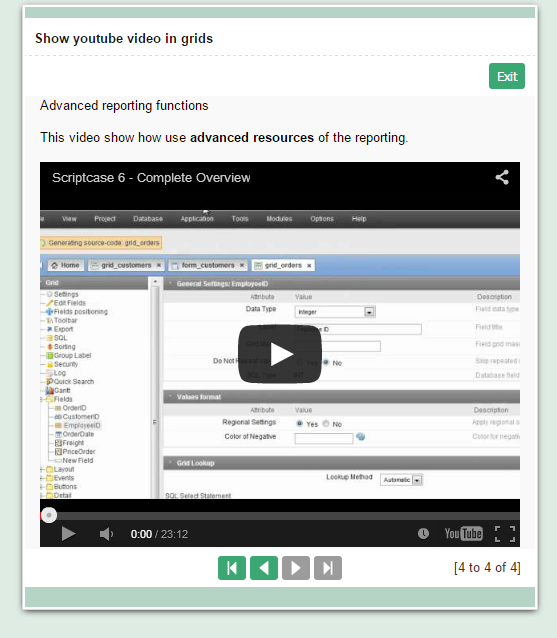
In this example we can see how to configure exbição Youtube videos on a Grid.




Creating a Grid
1. Create a new grid application based on the table youtube.
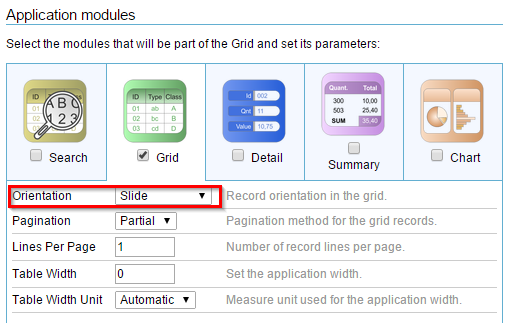
2. "Modules Grid", change the Grid module to slide. Only enable this module.
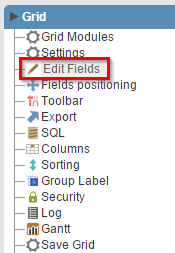
3. In the application menu, click on the item Edit Fields
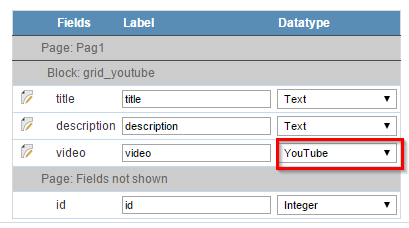
4. Select the fields "title, description and video" to display and change the type of video field to Youtube.
Setting the Layout
5. Access the item "Layout >> Blocks" from the application menu.
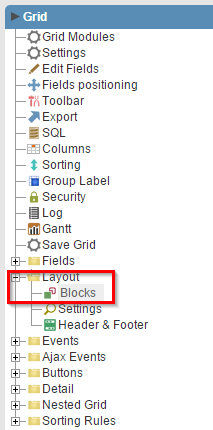
6. Remove the display of labels.

7. Click "Run application"

Click the button below to view the application running.


