External Libraries
In this article, you learn how to use the External Library. This feature allows us to import complete libraries and create files of any extension (.JS, .CSS, .PHP…) to use in your projects, making it easier to reuse some of the source code and to bring external codes libraries to implement features to your applications.
You can find this option within the menu Tools > External Libraries, where you can manage the libraries of your project.
To use this functionality, you need to use the macro, sc_url_library() and the sc_include_library() (Only for PHP files)to import the library to the applications.
Creating a new library
To create a library, click on Create a new library. Next, inform the library name and the access level of the library.
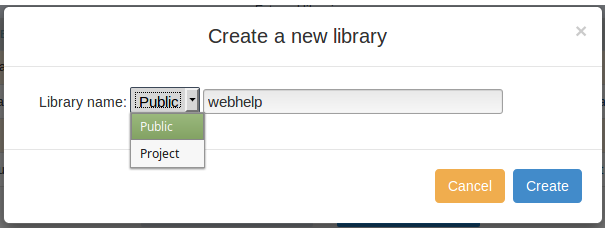
- Public - Available for all the ScriptCase projects.
- Project - Available only within the current project.
Managing the Libraries
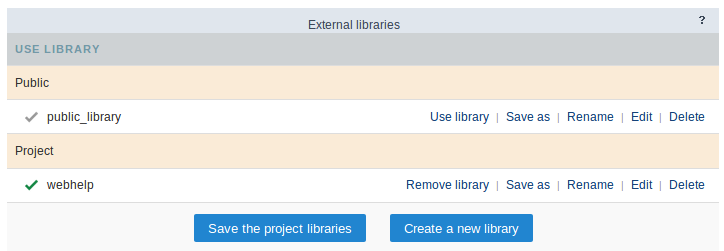
All the public and project libraries are listed here. This page allows you to select the libraries that is part of the project, delete the unnecessary libraries, rename, or edit them.
Using a Library
This option defines a library used in the current project. The enabled libraries, for this project, can be differentiated by the checkmark next to the name of the library.
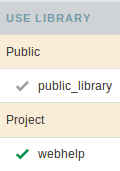
When you select a library to the project, the icon changes color when you click on the button “Save the library to the project” and enabled, you need to click on the button to save the modifications.

Rename
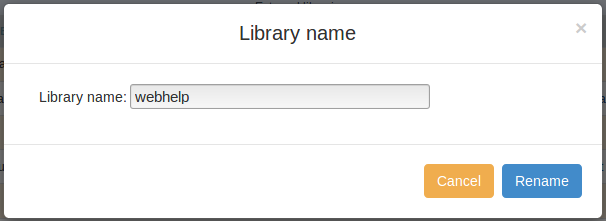
To rename a library, just click on “rename” and then inform the new name for the library.
To rename a library, you will need to change all the includes of the library in the events of the applications.
Editing a Library
Clicking on “Editing”, you can create or upload files to the libraries. You can create files in a folder, with the goal to organize your files.
On Footer of the page, you can view the options to create or upload the files.

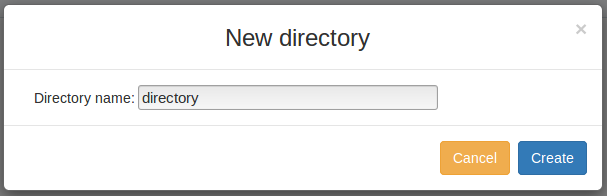
New Directory
To create a directory, click on “New Directory” and inform the name of the directory.
New File
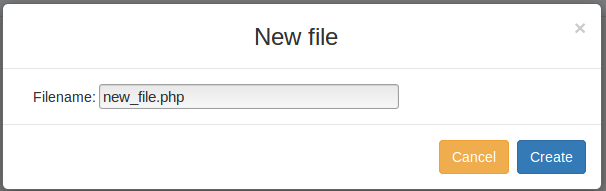
To create a file, click on “New File” and inform the name and extension (it is indispensable to inform the file extension).
Upload Files
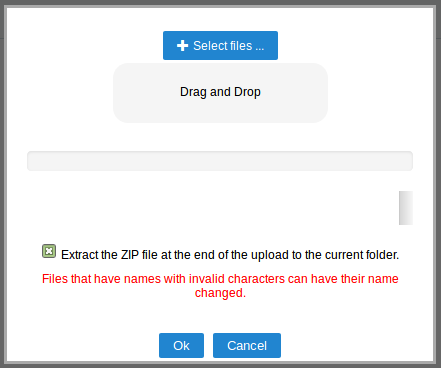
This tool allows to upload files and external libraries and used them in the project.
Clicking on upload, select the desired file.
Delete
Delete the libraries and all the files contained in them.
Before deleting the library, be sure that it is not being used, you will not be able to recover deleted libraries.
Importing libraries into the applications
Like mentioned before, to use the libraries, you need to use the macro sc_url_library() and the sc_include_library() (Only for PHP files).
The macro sc_url_library() returns the path to the file in the library and the sc_include_library() is used to include php files into applications from the external library:

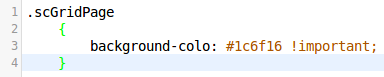
This example changes the background color of a grid application, if the code in the style.css file